
Download FreeDraw – 2D drawing app, digital art tool, free drawing software, creative drawing app, paint app alternative
Overview
FreeDraw is a versatile 2D drawing application designed to serve as a modern, feature-rich alternative to traditional digital painting tools like Microsoft Paint. Targeted at both beginners and experienced users, the app provides a familiar yet enhanced environment for creating digital illustrations, sketches, and designs. Its intuitive layout and accessible toolset make it ideal for casual artists, students, educators, and hobbyists seeking a lightweight yet capable creative platform.
While the developer did not provide additional background on the FreeDraw Team, the app’s long-standing presence since its release on May 3, 2010, indicates a stable and enduring user base. Real-world use cases include quick note-taking with sketches, classroom visual aids, concept art, and personal creative projects. In the broader mobile app ecosystem, FreeDraw occupies a niche by offering a balance between simplicity and functionality—filling a gap for users who want more than basic drawing tools without the complexity of professional-grade software.
The app’s continued availability on Android underscores its relevance in the productivity and creative tool category.
Key Features & Functionality
- Diverse Drawing Tools: FreeDraw includes a range of tools such as pencils, brushes, and geometric shapes, enabling users to create detailed illustrations with precision. The variety supports both freehand sketching and structured design work.
- Enhanced Editing Options: Users can apply filters and make image adjustments to refine their artwork. These tools allow for color correction, contrast enhancement, and visual effects, improving the final output.
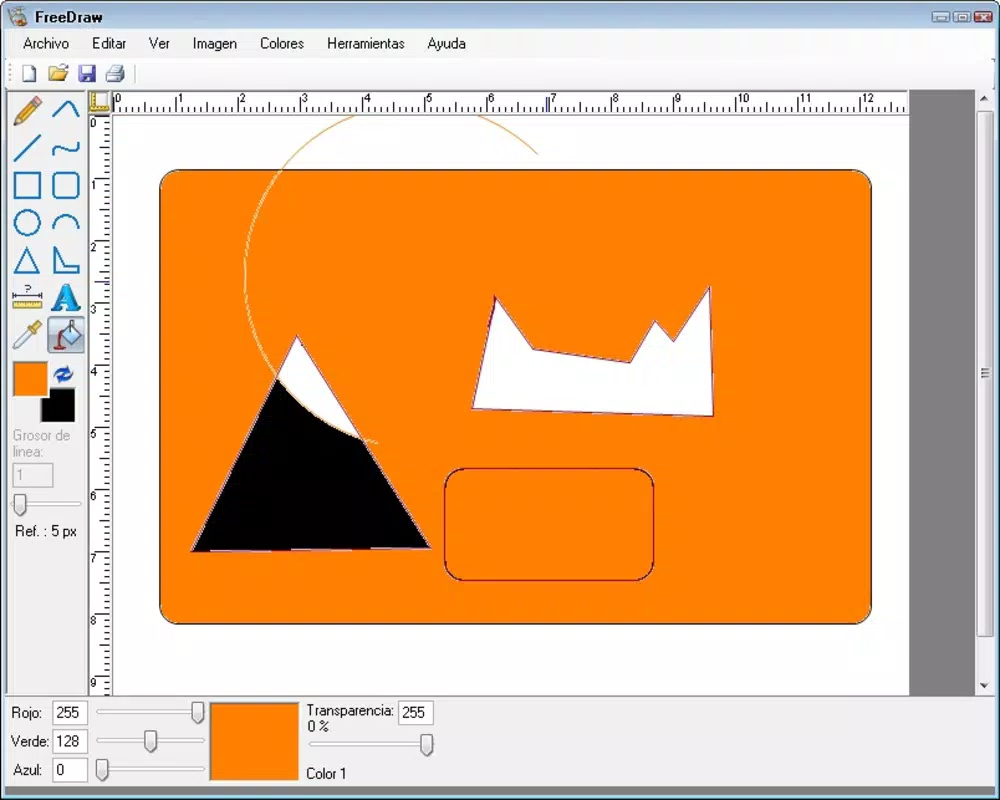
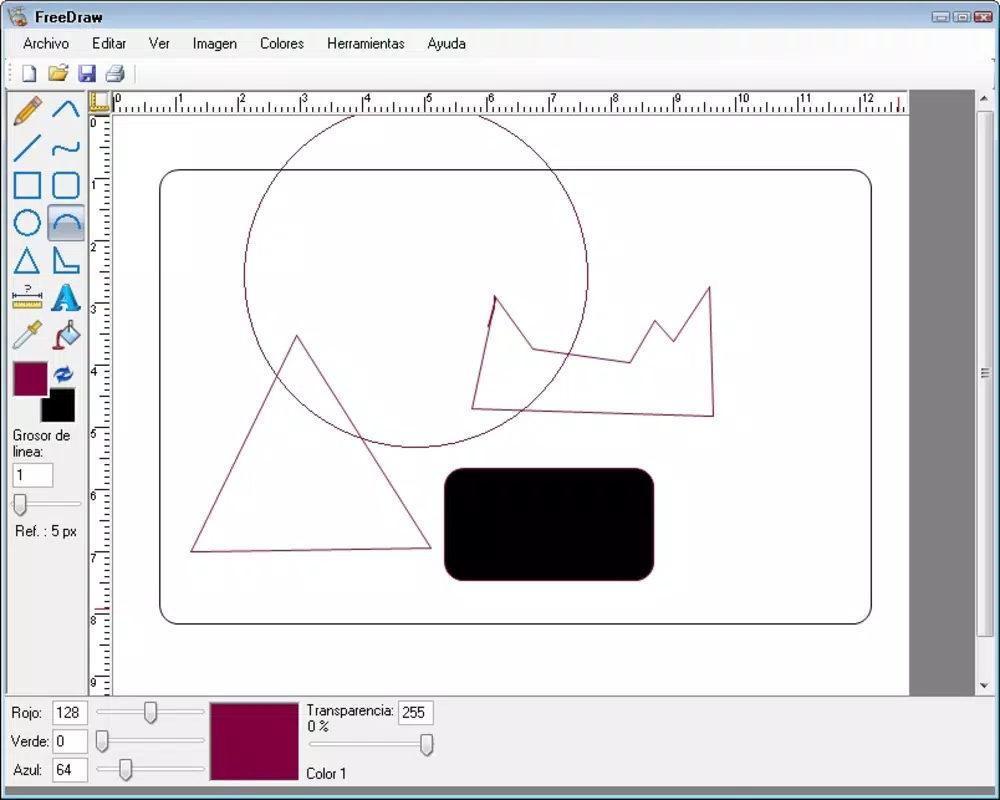
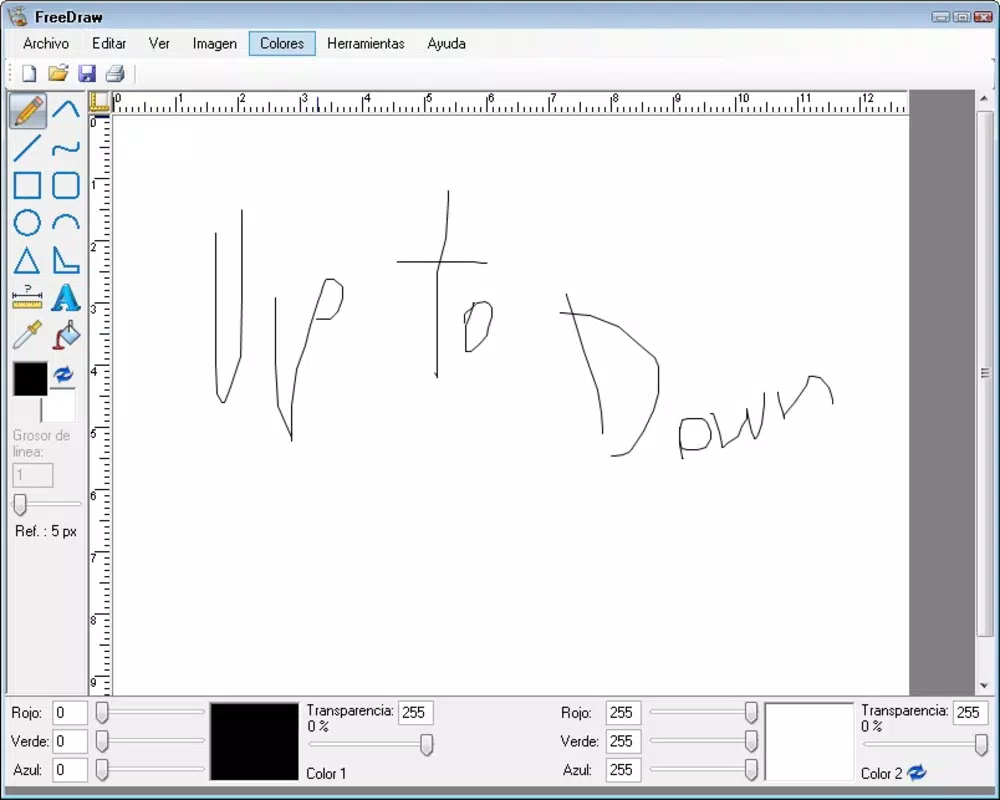
- User-Friendly Interface: The interface is designed with a layout reminiscent of Microsoft Paint, ensuring a low learning curve. This familiarity benefits new users while maintaining efficiency for experienced artists.
- Powerful Features: Compared to basic painting apps, FreeDraw offers expanded functionality, including advanced layer management and customizable brush settings, supporting more intricate artistic expression.
- Cross-Platform Compatibility: Although primarily available on Android, the app is designed to function consistently across different device types, ensuring a uniform experience for users on various screen sizes and hardware configurations.
For example, a student might use the geometric tools to create diagrams for a science project, while a digital artist could leverage the brush customization to produce textured sketches. The editing tools are particularly useful for refining work before sharing or saving. These features collectively enhance creative freedom and workflow efficiency.
Interface, UX & Performance
The user interface of FreeDraw follows a clean, grid-based layout that mirrors classic painting software, promoting ease of navigation and quick access to core tools. The visual style is minimalistic, focusing on functionality rather than decorative elements. Navigation is linear and consistent, with tool selection, color palettes, and editing options placed within easy reach.
Users can switch between tools and adjust settings without excessive menu diving, contributing to a smooth workflow. Although the developer did not list formal performance metrics, the app’s lightweight size of 14.7 MB suggests optimized resource usage. It is expected to run efficiently on a range of Android devices, including mid-tier and older models.
Responsiveness appears to be well-maintained, with minimal lag during drawing and editing tasks. Stability is implied by the app’s long-standing presence on the platform. However, specific requirements for device compatibility were not disclosed, so users should ensure their system meets general Android standards for app installation.
Platform Compatibility & Technical Requirements
FreeDraw is available exclusively on the Android platform. The current software version is 1.5.3, with a file size of 14.7 MB. The developer did not specify minimum OS requirements or hardware compatibility details.
As such, users should verify that their Android device supports the app’s installation based on standard system requirements. The app is free to download and install, making it accessible to a wide audience. While the release date of May 3, 2010, indicates a long history of updates and user engagement, the latest version’s compatibility with modern Android versions has not been confirmed.
Users are advised to check for updates through their device’s app store to ensure optimal performance and security.
Pros and Cons
Pros
- Intuitive interface inspired by Microsoft Paint, reducing the learning curve for new users.
- Wide range of drawing tools suitable for both casual and detailed artistic work.
- Lightweight design with a small file size, ideal for devices with limited storage.
- Free to download and use, with no in-app purchases or hidden costs.
- Offers enhanced editing features beyond basic drawing apps.
Cons
- Specific technical requirements were not listed by the developer.
- Compatibility with newer Android versions has not been confirmed.
- Limited information on update frequency or future development plans.
- No official support channels or user documentation were provided.
- May lack advanced features found in professional digital art software.
FAQ
Is FreeDraw safe to download and install?
Yes, FreeDraw is available through official Android channels and is free from known malware. As with any app, it is recommended to download only from trusted sources to ensure security.
Can I use FreeDraw on iOS devices?
Currently, FreeDraw is only available on Android. There is no official version for iOS devices.
Does FreeDraw require an internet connection?
No, FreeDraw operates offline. Users can create and edit drawings without needing an internet connection.
How often is FreeDraw updated?
The update frequency has not been disclosed by the developer. Users are advised to check their app store for the latest version.
Is FreeDraw suitable for professional artists?
While FreeDraw offers a range of tools and editing features, it may not include all capabilities required by professional digital artists. It is best suited for hobbyists, students, and casual creators.
Final Thoughts
FreeDraw stands out as a reliable, lightweight 2D drawing tool that successfully bridges the gap between simplicity and functionality. Its familiar interface, combined with a robust set of features, makes it a compelling choice for users seeking a free, accessible digital art solution. Whether you're a student sketching diagrams, a teacher creating visual aids, or a hobbyist exploring creativity, FreeDraw delivers consistent performance without overwhelming complexity.
The app’s minimal footprint and free pricing model enhance its appeal, particularly for users with older or low-storage devices. While it may not replace professional-grade software, it offers a solid foundation for everyday creative tasks. For those in search of a secure, easy-to-use drawing app with broad compatibility, FreeDraw remains a strong contender in the productivity space.
Download FreeDraw now.


